01
Four-ball
Two red balls. Choose the better order.
Compare routes that hit red A or red B first. Choose white or yellow as your cue ball.
 Actual app screen · Enlarge ↗
Billiards Coach
From four-ball and three-cushion to pool and Chinese eight-ball. Recreate your layout, fine-tune each ball and compare your next shot.
Now available on Google Play · 18 languages
Recreate the ball positions on your table and compare possible routes for your next shot.
Billiards Coach is an Android practice app for four-ball carom, three-cushion, American pool and Chinese eight-ball. Select a ball, tap its position and fine-tune it with the arrow controls. Choose a recommendation to see its path, first object-ball overlap, cue tip position and shot strength.
01 / 04
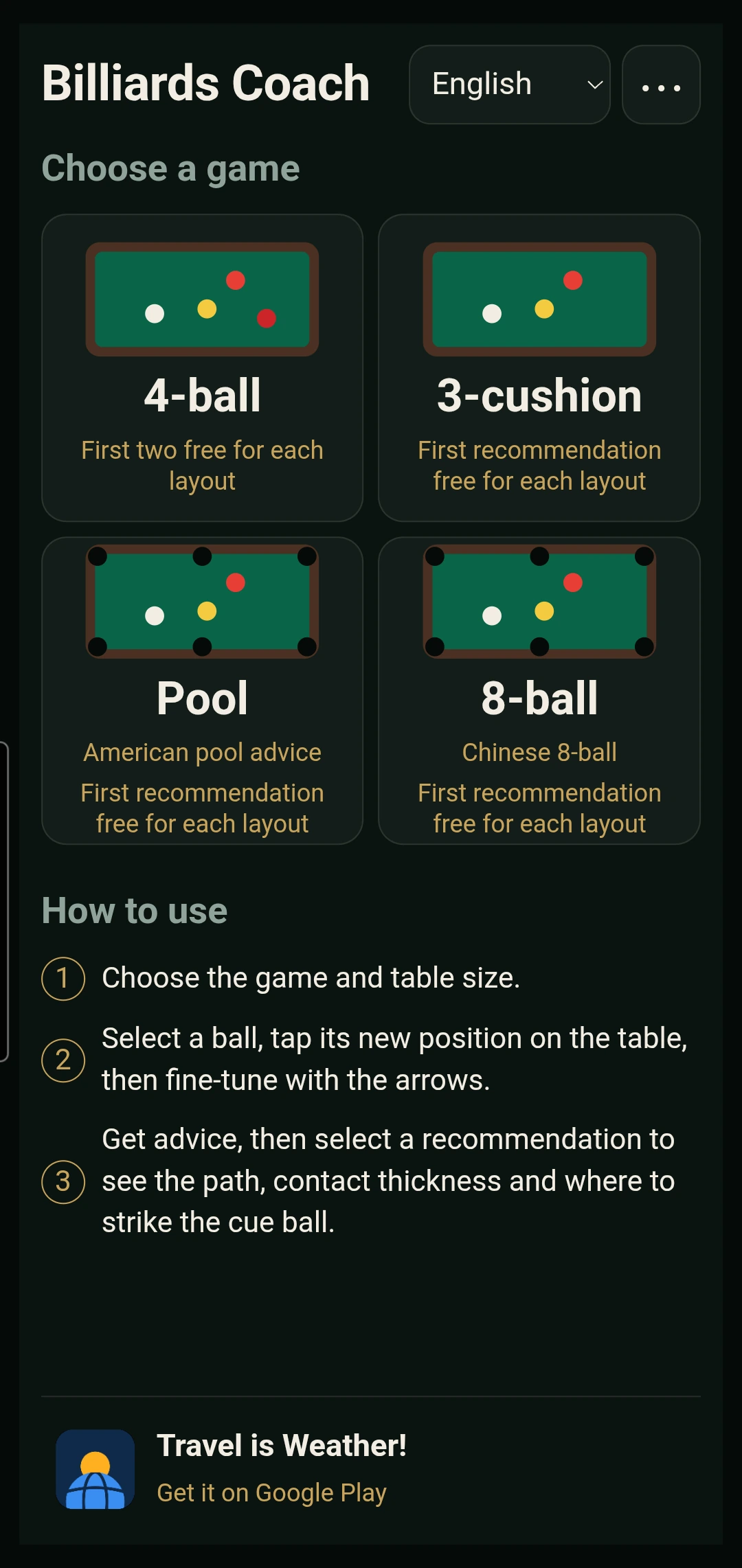
Choose a game on the home screen, then place balls and explore recommendations with familiar controls.
01
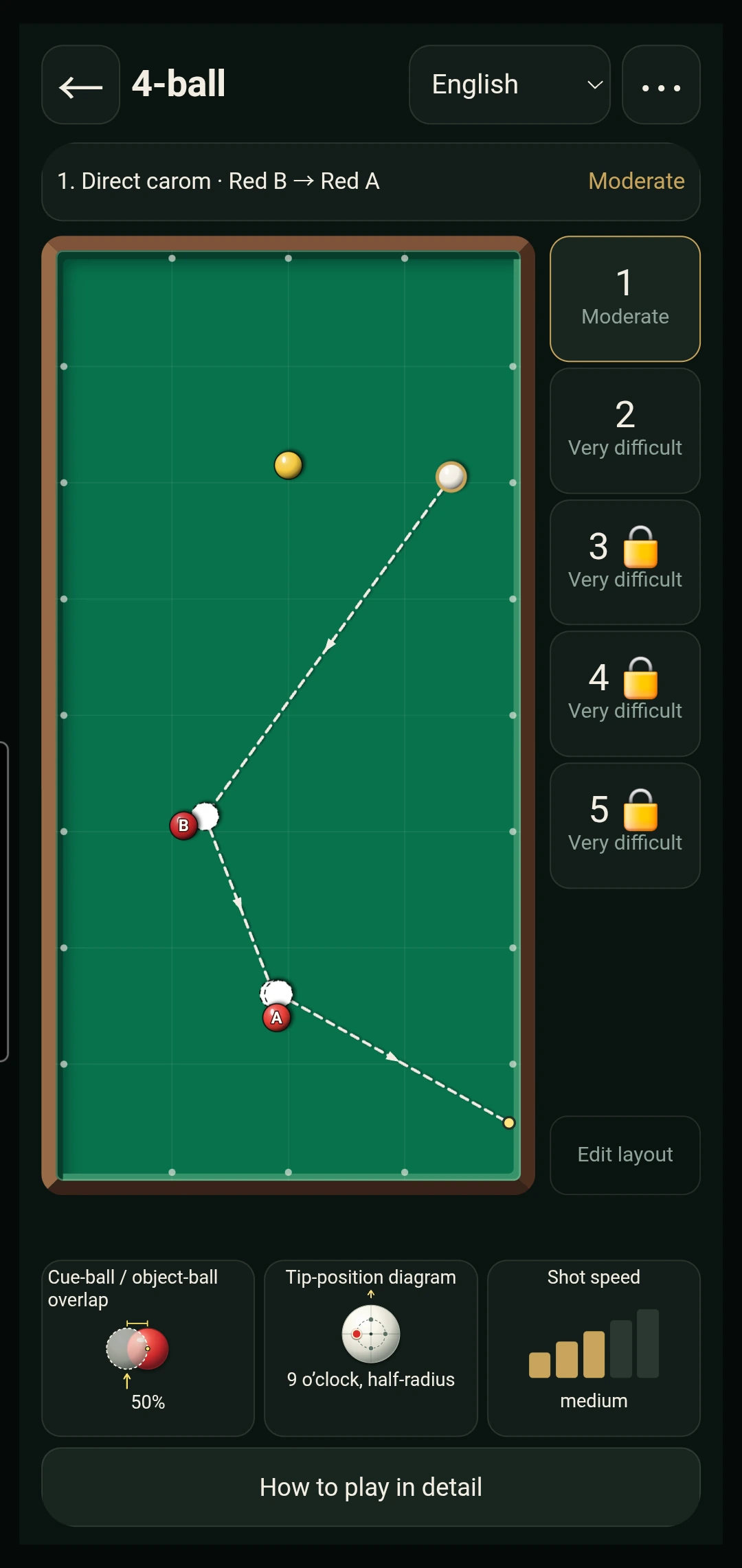
Two red balls. Choose the better order.
Compare routes that hit red A or red B first. Choose white or yellow as your cue ball.
Actual app screen · Enlarge ↗02
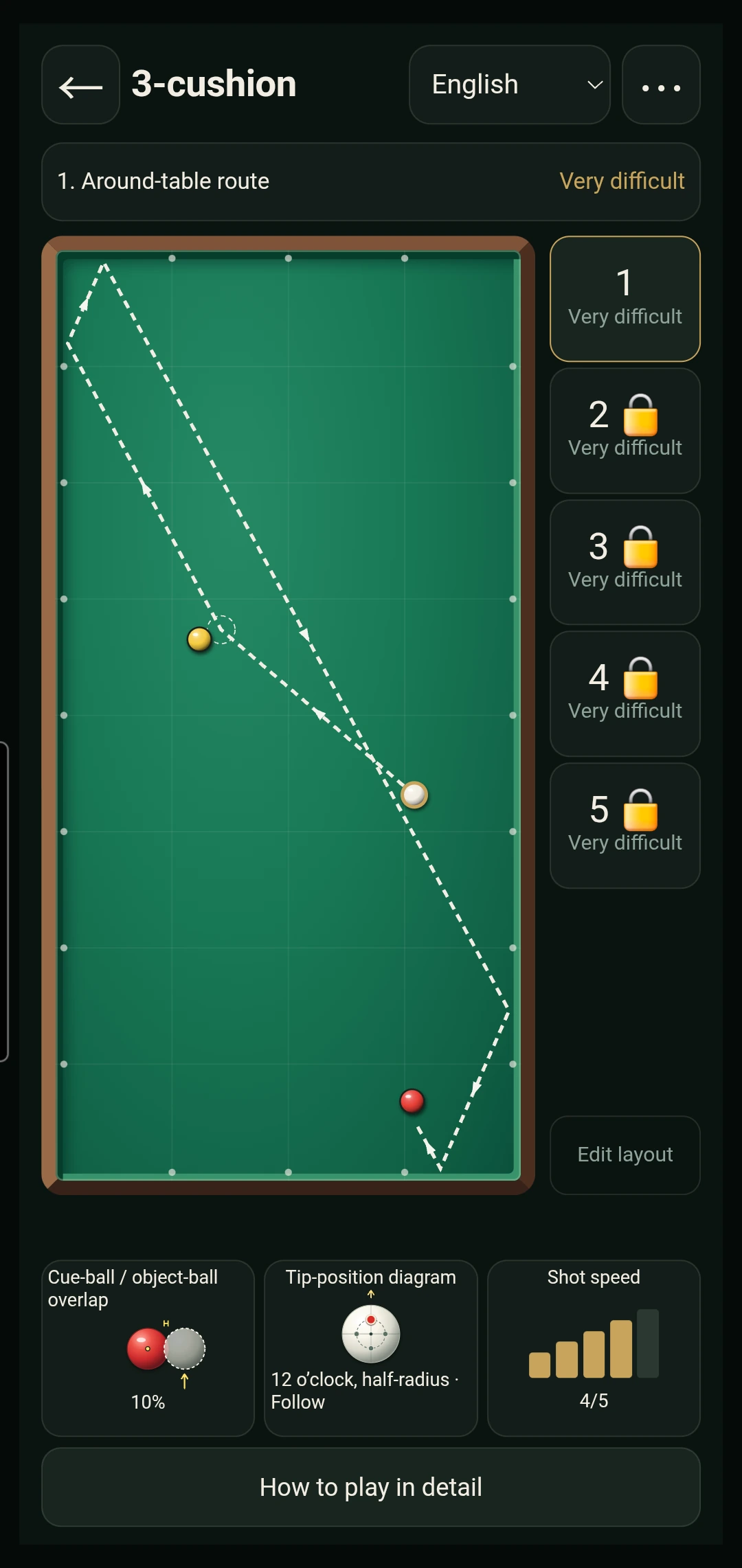
Compare familiar routes first.
Available basic object-ball-first routes take priority. Cushion-first routes can fill the remaining recommendations.
 Actual app screen · Enlarge ↗
03
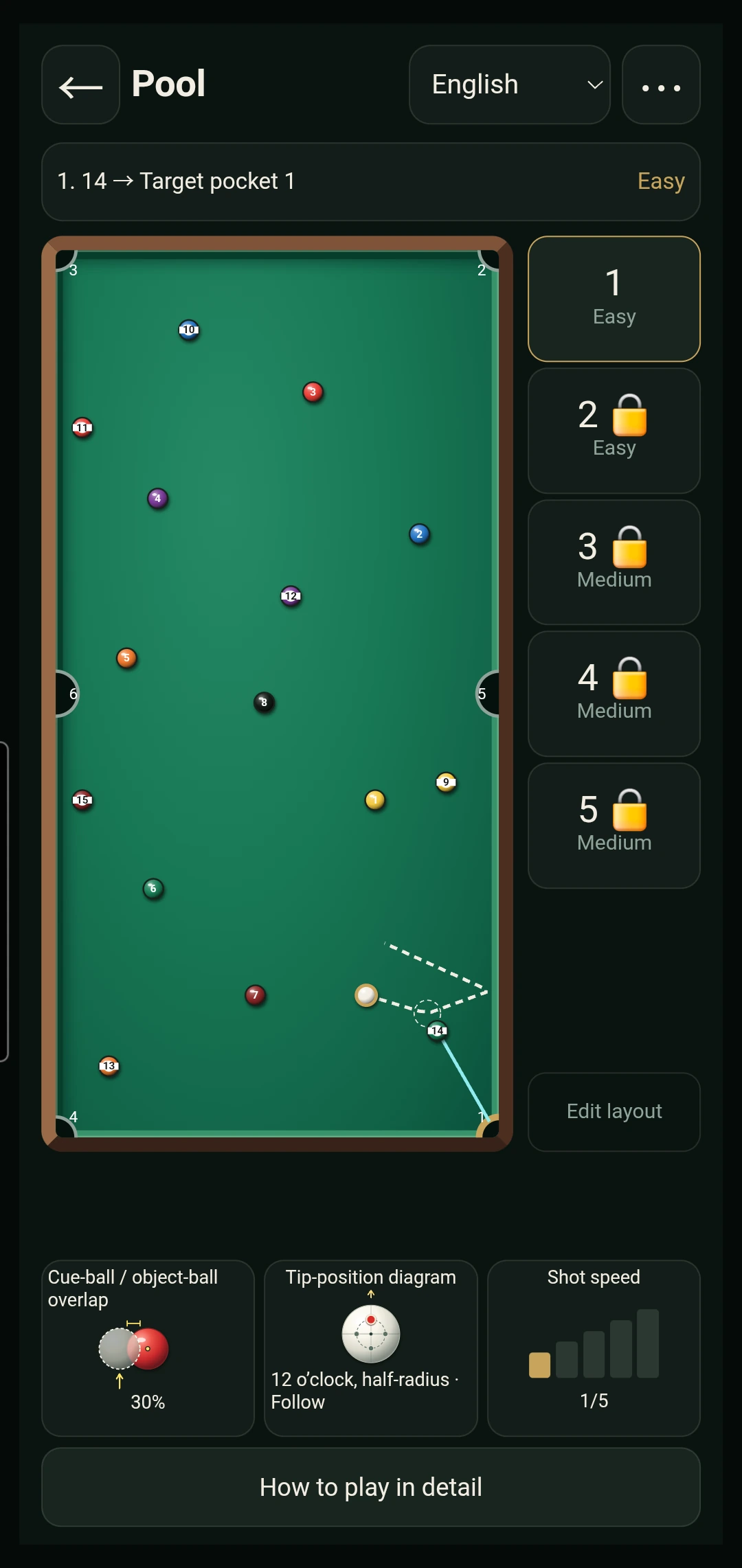
Find your next ball on the table.
Set up an American 9-foot or 7-foot table. Remove pocketed balls and inspect the path to an object ball and pocket.
 Actual app screen · Enlarge ↗
04
Your group. Your next shot.
Choose open table, solids or stripes and arrange the remaining balls. Recommendations follow your selected group and eight-ball stage.
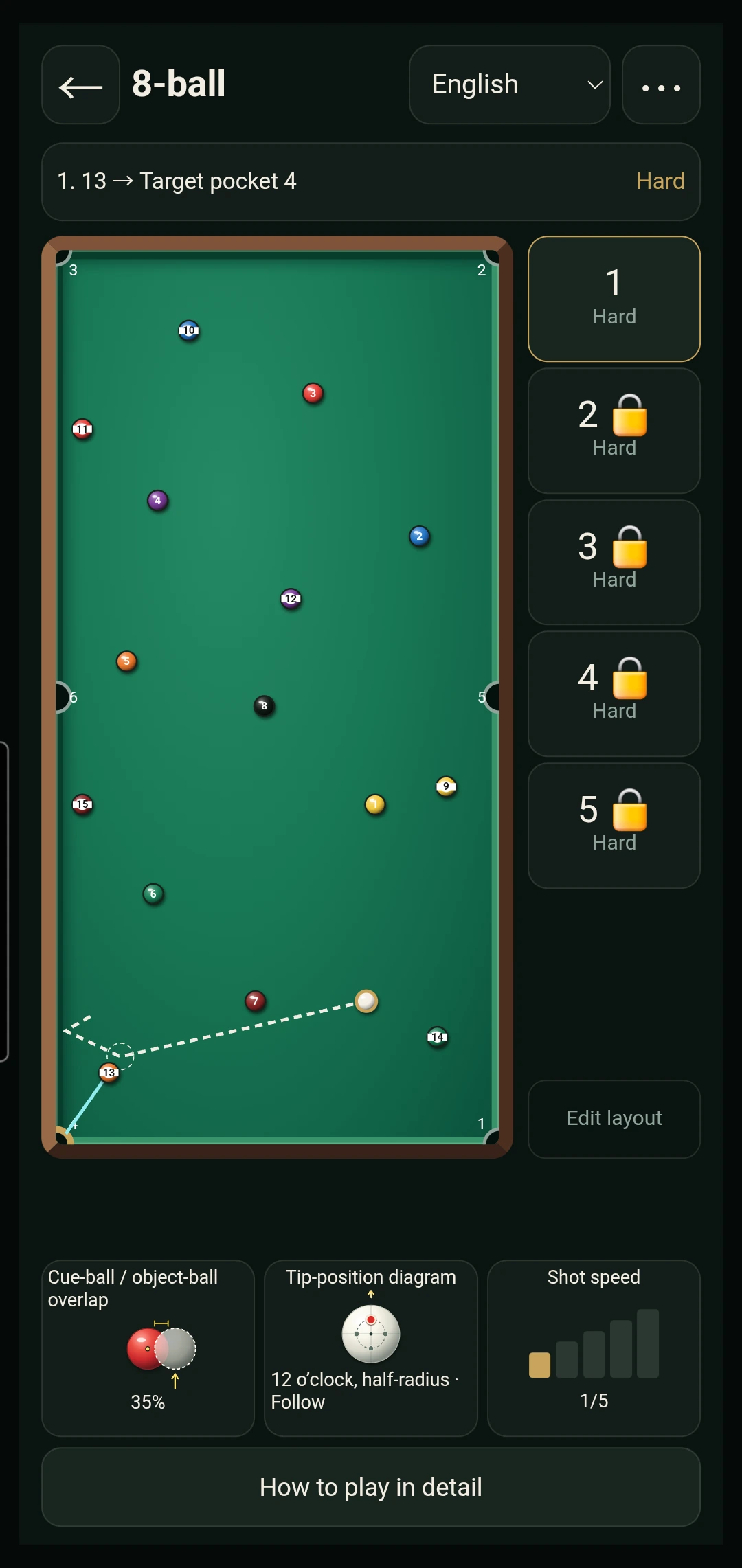 Actual app screen · Enlarge ↗
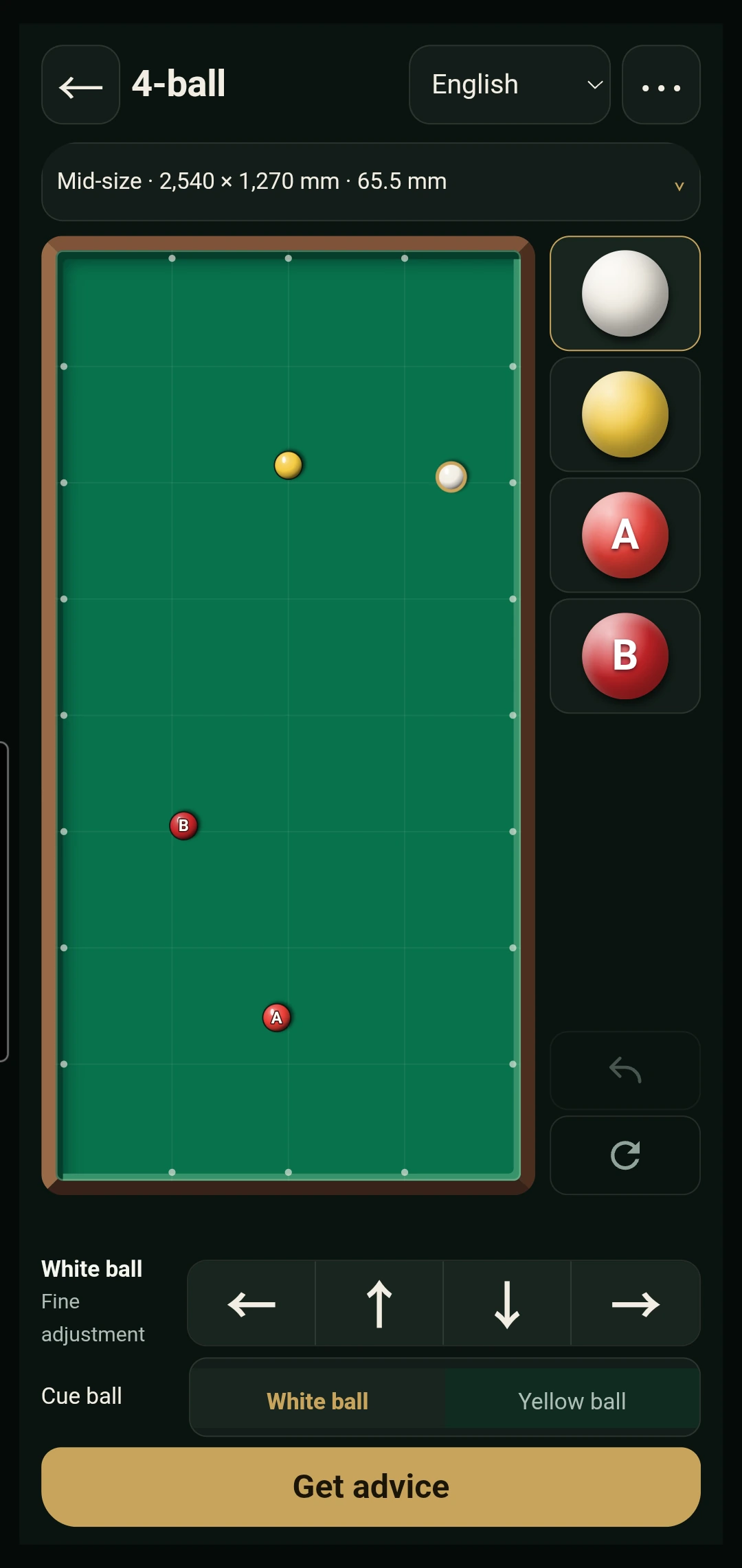 Actual app screen · Enlarge ↗
02 / 04
Select a ball, tap its new position on the table, then fine-tune with the arrows.
One-ball advice
In pool and 8-ball, place just the cue ball and your target ball, then choose a pocket. Explore the route and how to play the shot.
Match the positions of the two balls for your next shot without arranging every ball.
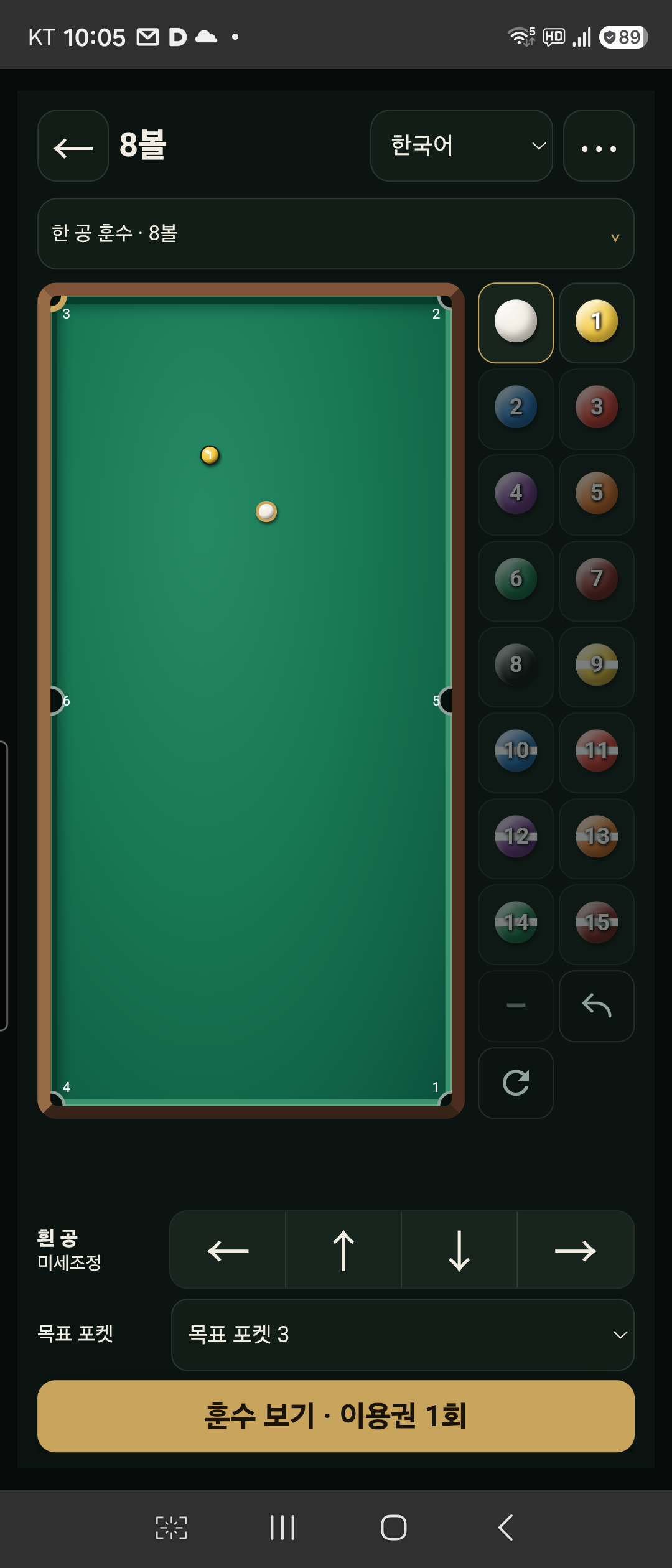 Enlarge ↗
See where the cue ball contacts the target and how the target travels to the pocket.
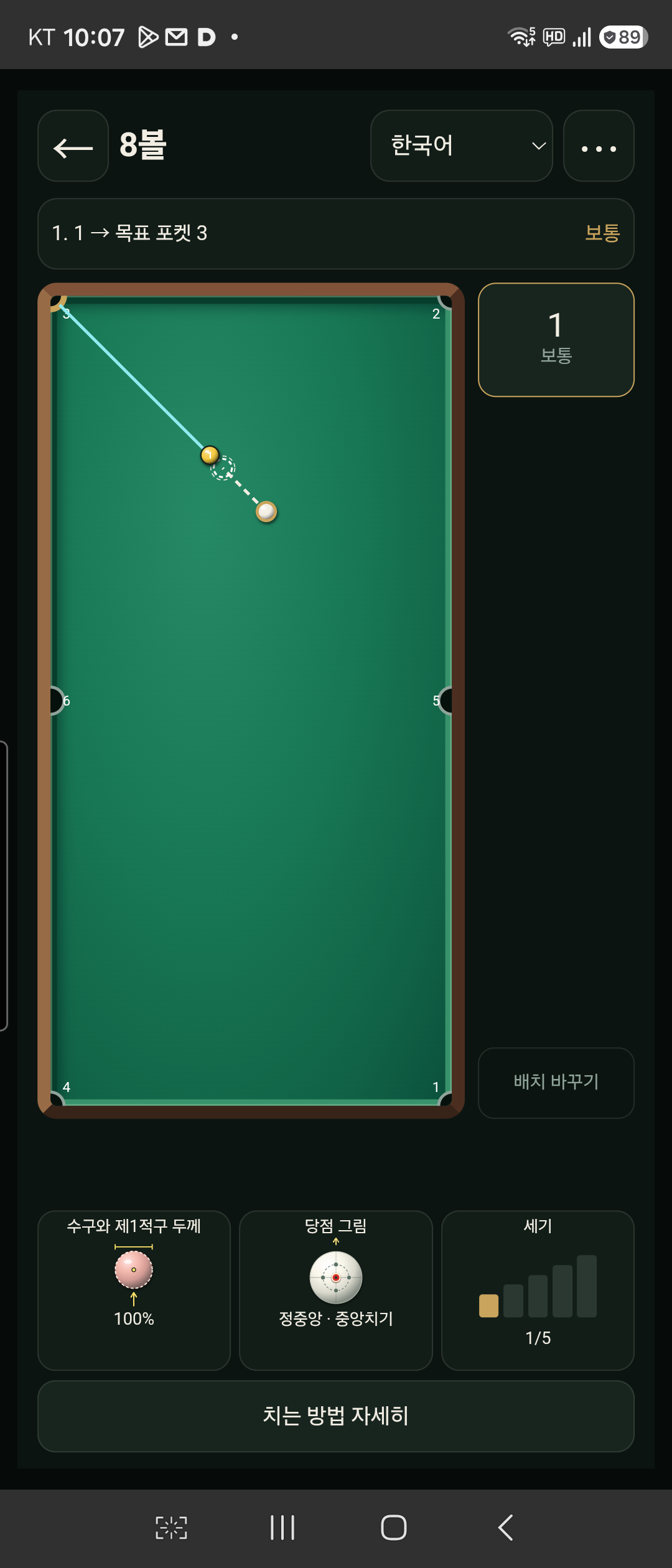 Enlarge ↗
Open the detailed guide for larger diagrams of cut thickness and where to strike the cue ball.
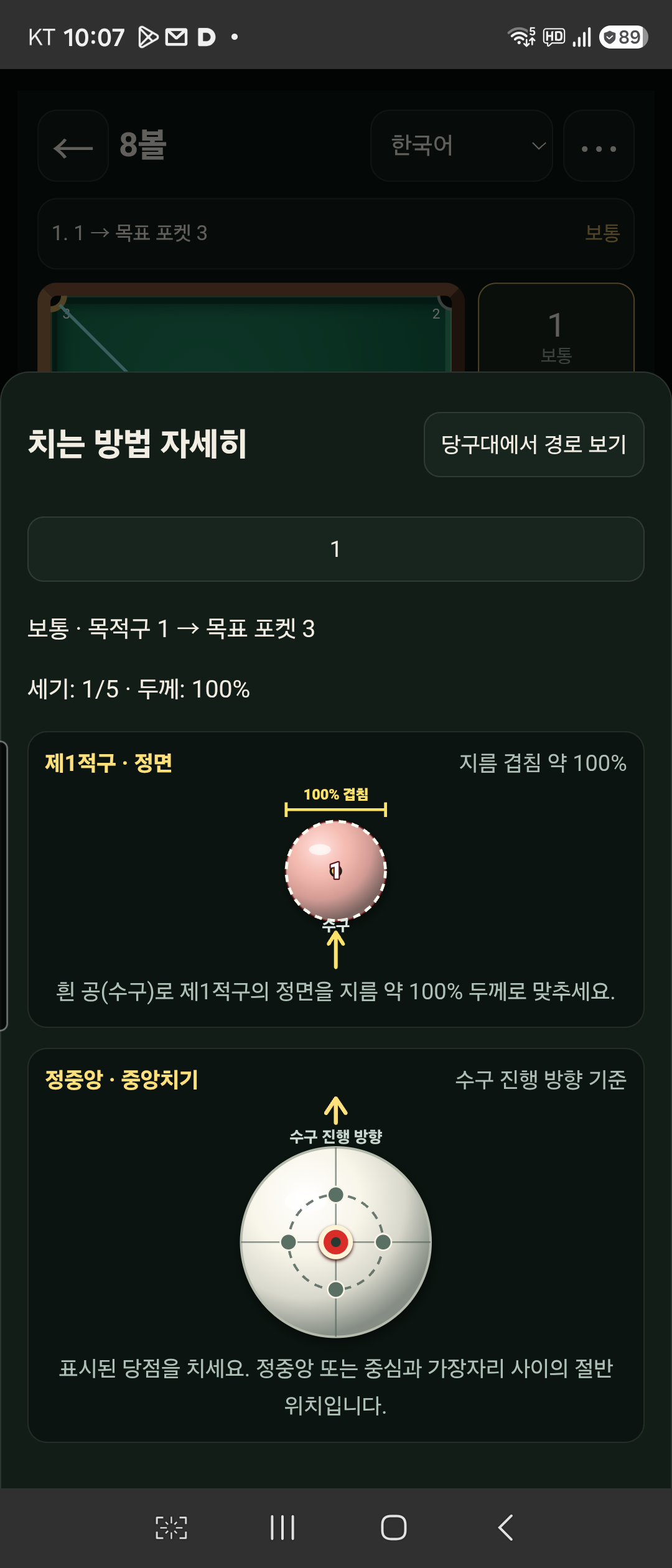 Enlarge ↗
Actual released app screens · Korean
03 / 04
Select your game and check the table and ball size.
Match the balls to your table. Remove pocketed balls in pocket games.
Explore up to five routes with contact thickness, cue tip position, strength and detailed instructions.
04 / 04
For each layout, the first two 4-ball recommendations and the first 3-cushion, pool and 8-ball recommendation are free. Credits come in packs of 100. One credit is deducted after a paid recommendation is displayed successfully. Reopening the same recommendation for the same layout costs no extra credit.
| Game | Free | With credits |
|---|---|---|
| Four-ball | First two free for each layout | 3–5 |
| Three-cushion | First recommendation free for each layout | 2–5 |
| Pool | First recommendation free for each layout | 2–5 |
| Chinese eight-ball | First recommendation free for each layout | 2–5 |
No app account or sign-in is required. Recovery of remaining uses depends on restoring your user identifier through Google backup or device transfer. If this identifier is not restored after uninstalling the app, clearing app data, or changing devices, remaining uses may be lost. Purchase history in the same Google Play account alone does not guarantee recovery.
Credits do not expire. These terms apply to the standard edition. Purchasing, local prices and availability depend on the Google Play launch, account and region. Fewer valid routes mean fewer recommendations.
The free allowances below apply to full-layout advice. One-ball advice uses 1 credit from the first result. Reopening an already viewed result for the same layout does not use another credit.
The app and guides are available in 18 languages.
Recommendations are calculated from the layout and settings you enter. Cloth, cushions, balls, cue speed and technique can change the real path. Scoring is not guaranteed.
Now available on Google Play · 18 languages
Download on Google PlayFree to install, with in-app purchases for some recommendations. Availability depends on your country, Google Play account and device.