Measure / magnifier
Magnify small text with the camera, use the torch, save a photo, and recognize text after capture. AR distance and area measurement requires a supported device and Google Play Services for AR.

A small lab in your pocket. Explore your surroundings with nine tools.
Measurements are for reference. Features depend on sensors and permissions and do not replace certified instruments or safety inspections.
Actual English app screens · 0.2.7 · Select an image to enlarge.
Magnify small text with the camera, use the torch, save a photo, and recognize text after capture. AR distance and area measurement requires a supported device and Google Play Services for AR.
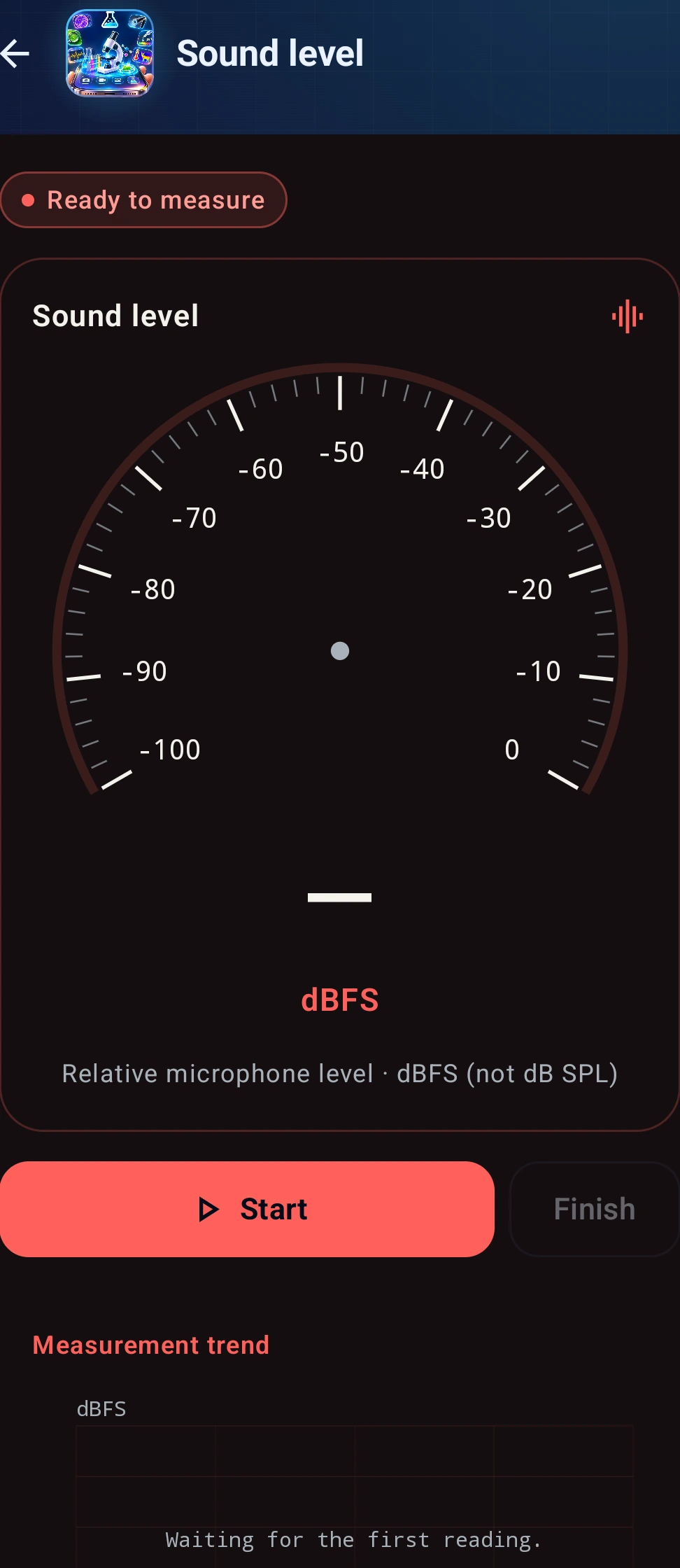
Start to see changes in sound input and minimum, average, and maximum values. Values are relative microphone levels in dBFS, not calibrated dB SPL, and cannot be compared with legal noise limits.
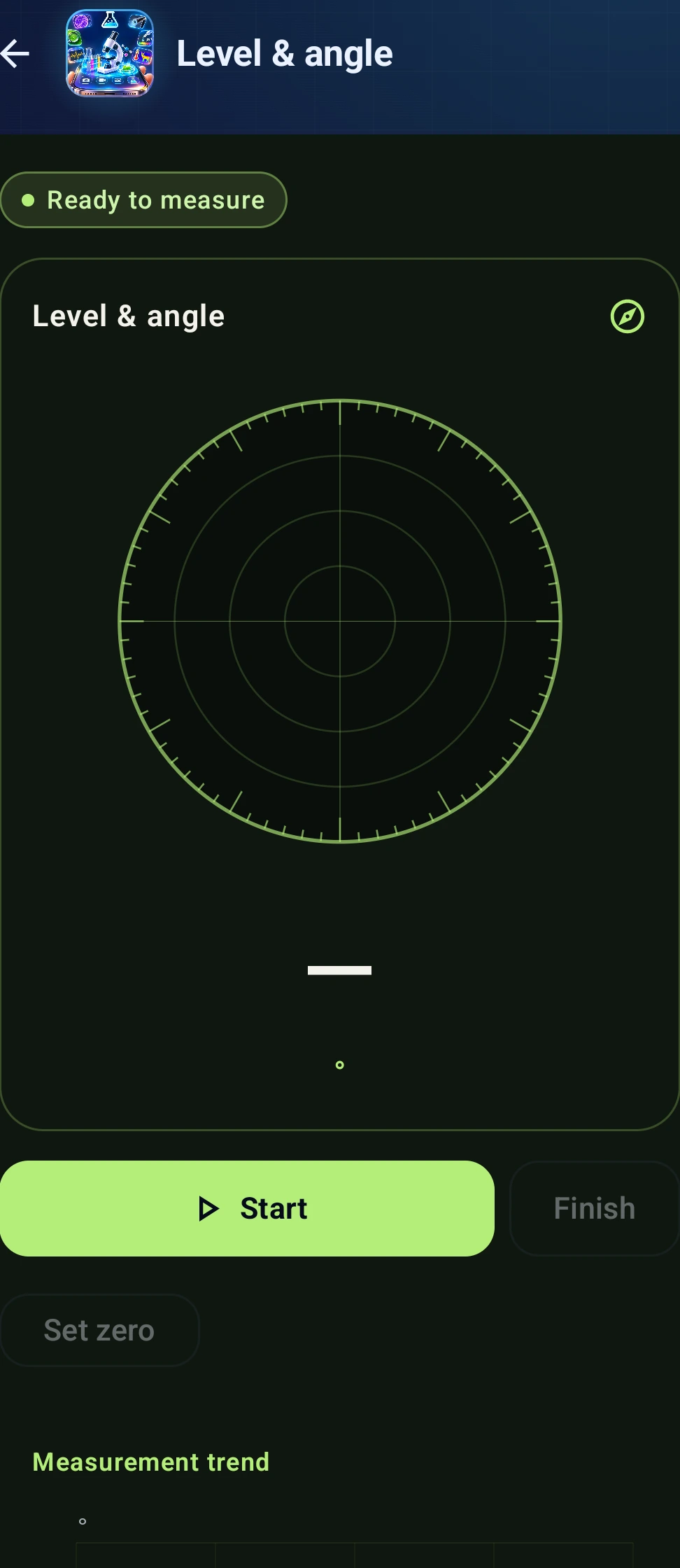
Place the phone on a surface to check its tilt. Set zero on a flat reference surface before comparing angles in the same orientation.
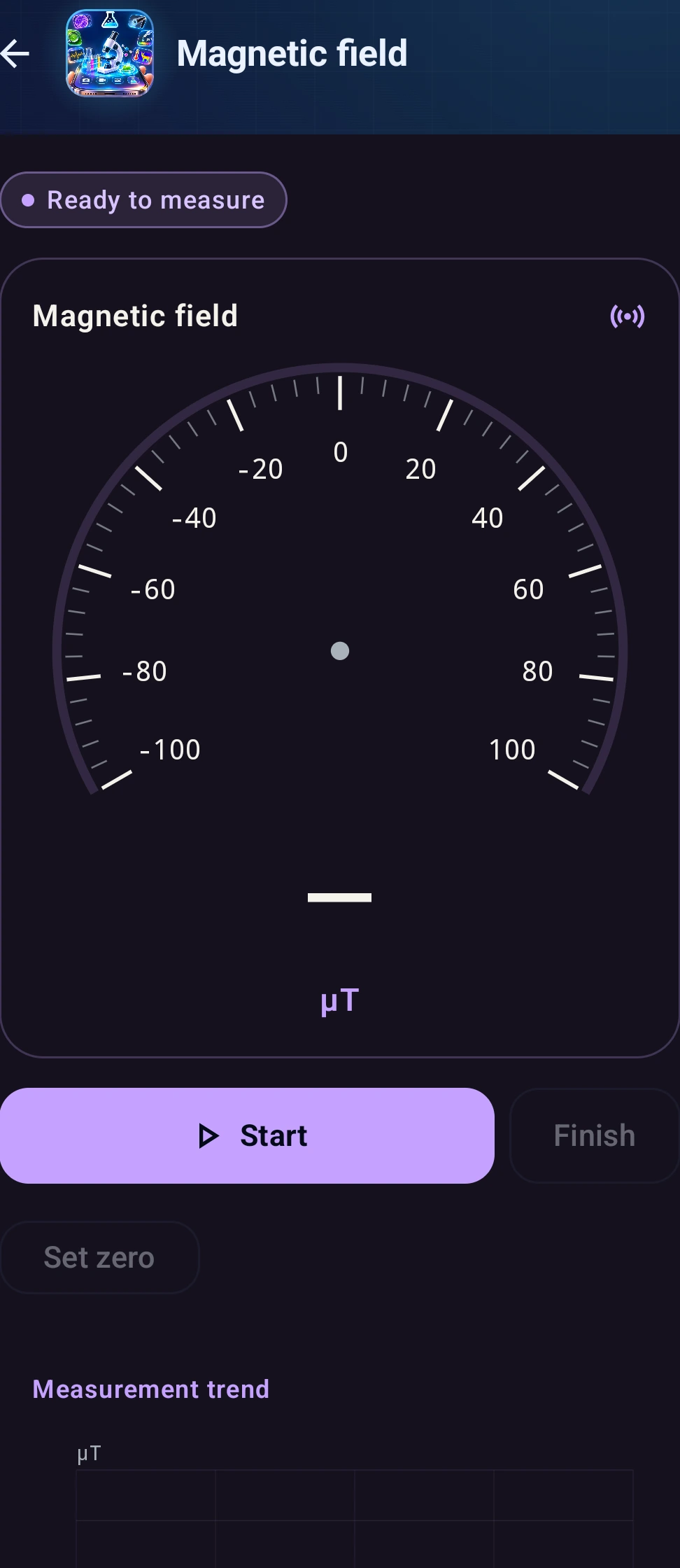
View magnetic field strength and changes. Keep magnets and metal cases away. This tool cannot identify metal types or concealed wiring.
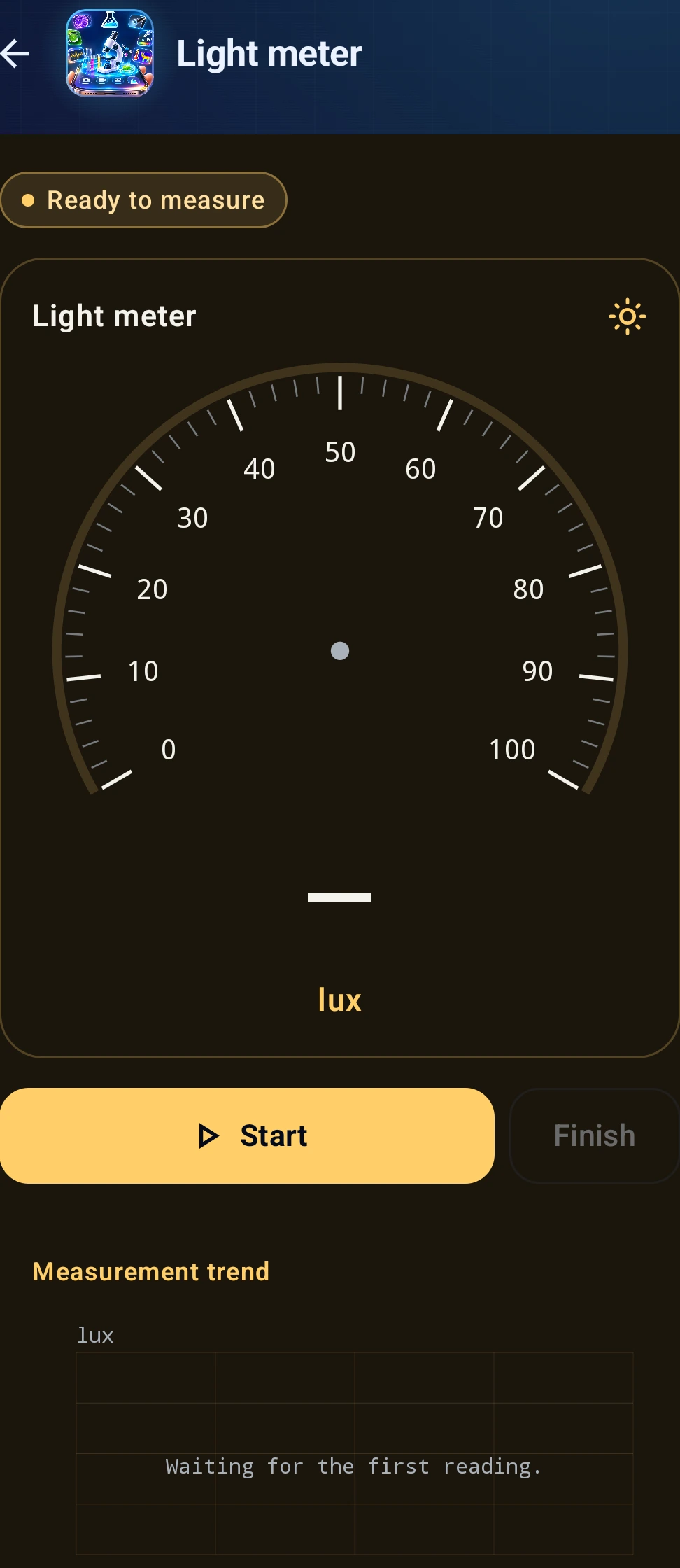
Check brightness using the ambient light sensor. Leave the sensor uncovered and place it at the target position. A light sensor is required.
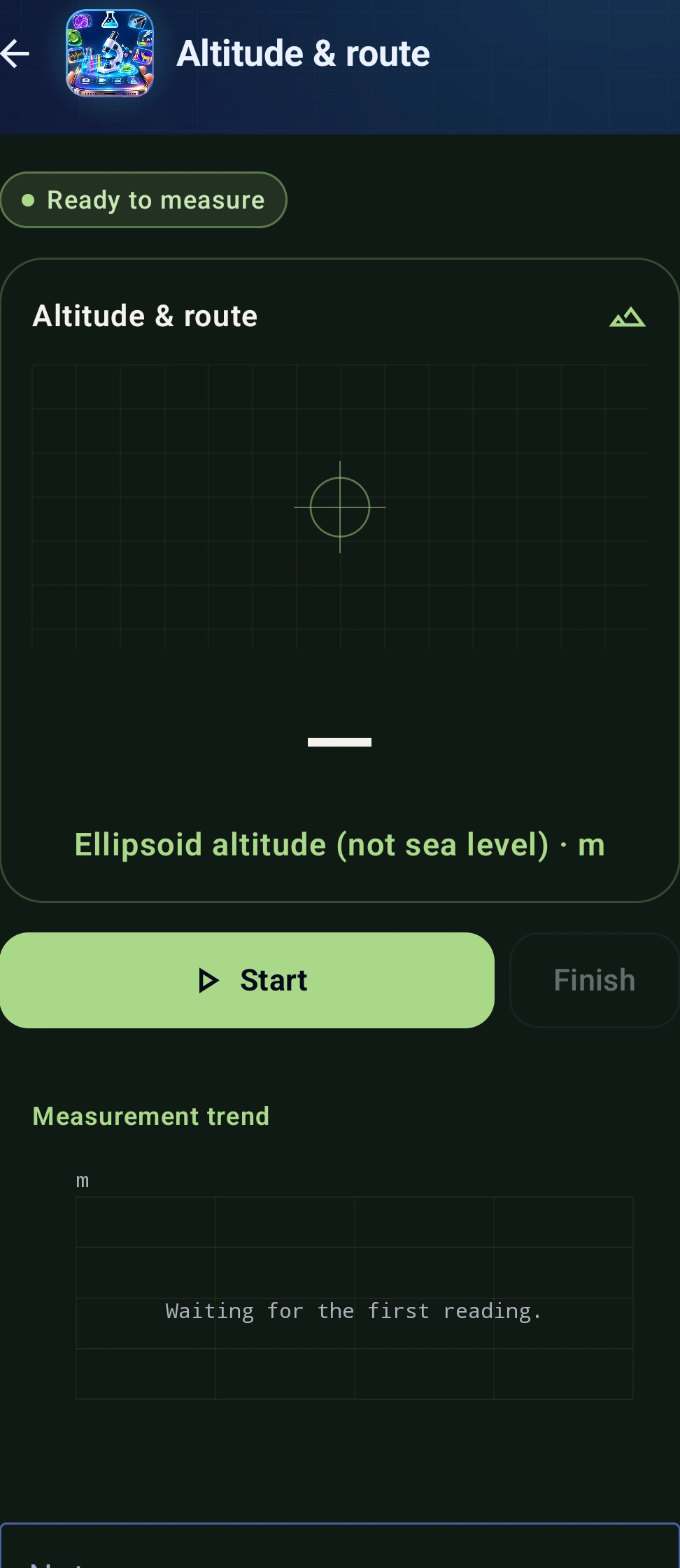
Allow location access and start to record a route and distance. Altitude is relative to an ellipsoid, not sea level. Indoor positioning may be unavailable or inaccurate.
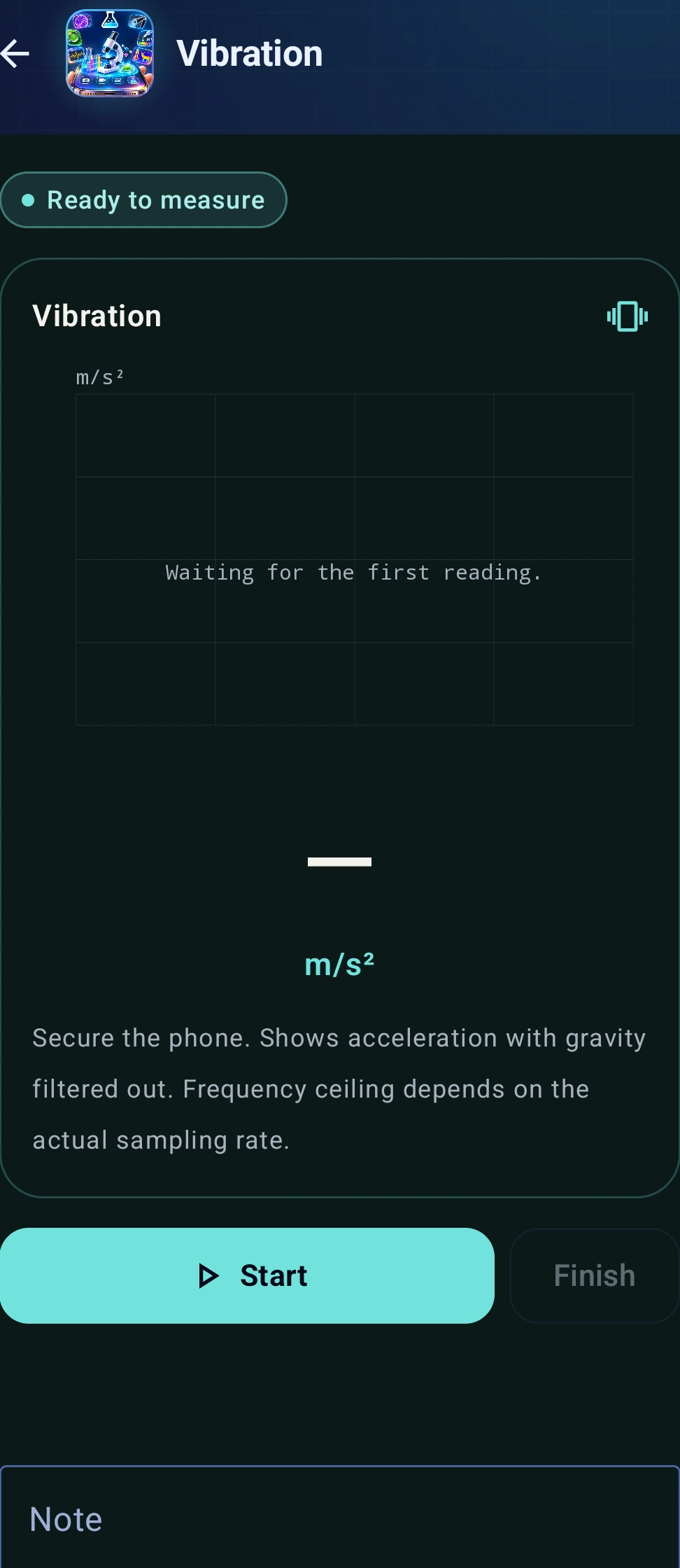
Place the phone securely on the target to observe vibration. The display shows acceleration with gravity removed; mounting affects the results.
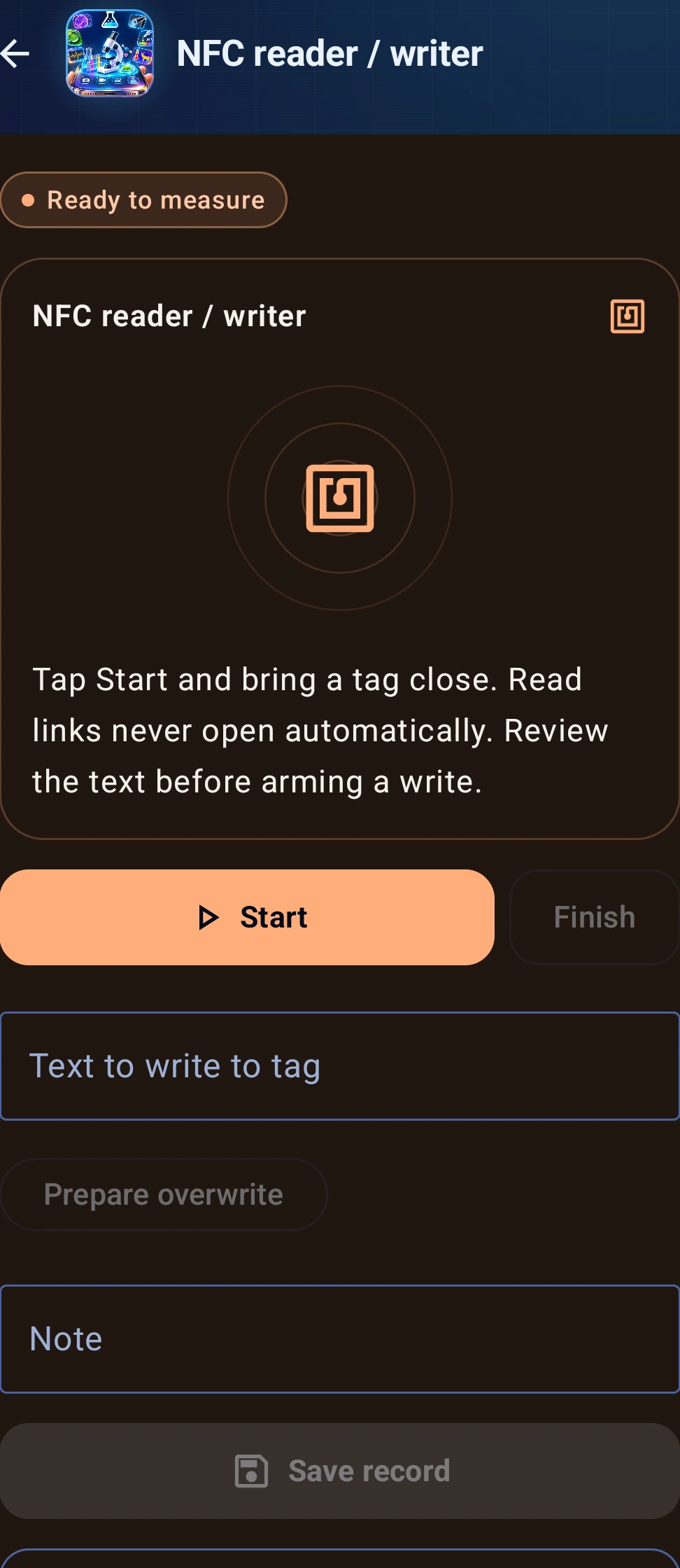
Enable NFC and hold a tag near the back of the phone. Read supported tags or confirm a text write. Writing requires a writable tag. Payment card cloning is not supported.
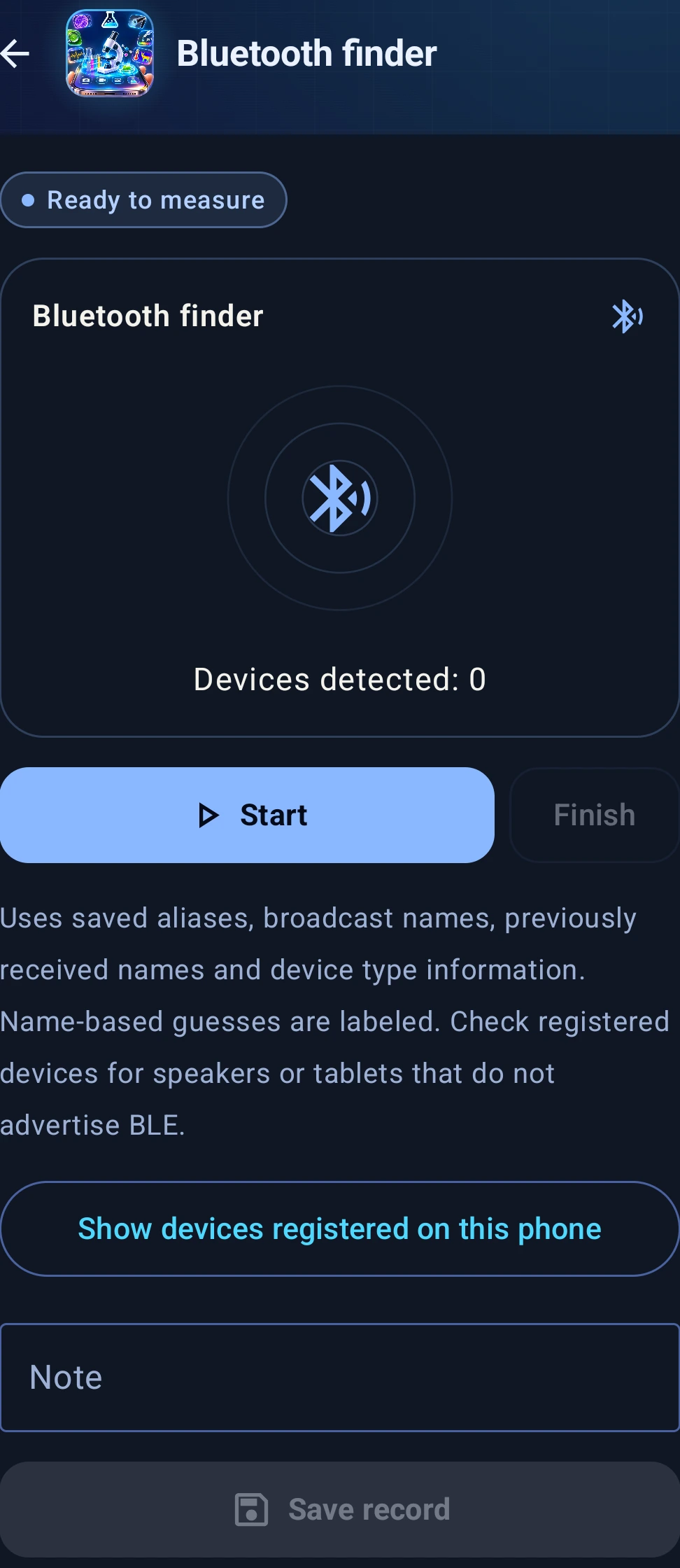
Scan nearby BLE broadcasts and inspect available names, device types, and signal strength. Missing names cannot always be recovered; inferred types are marked. Saved devices are not necessarily nearby, and signal strength is not an exact distance.
장보원 · Bowon Jang
ccolaju@gmail.com