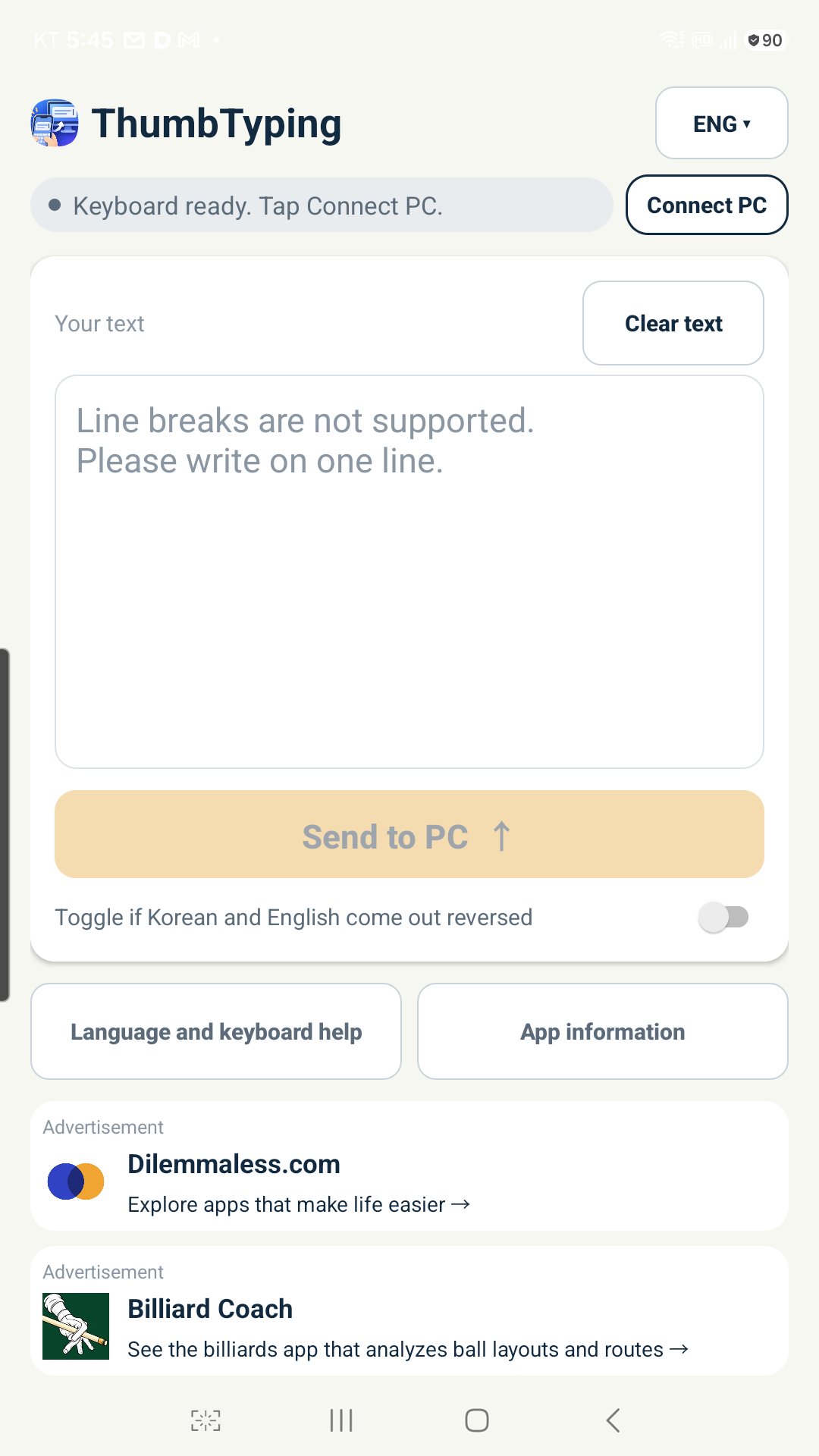
Still looking at your computer keyboard to type one letter at a time? ThumbTyping is for people who feel more comfortable typing with their thumbs on a phone than on a PC or laptop keyboard. Write with your familiar phone keyboard, then send the sentence to the selected input field on your PC.
Use your existing phone keyboard, such as Samsung Keyboard or Gboard. Connect as a Bluetooth keyboard without installing a separate PC receiver program. Select the destination input field and tap Send on your phone. Your written text is sent directly to the selected device over Bluetooth, without passing through a text transmission server.
Add mouse controls when you need them
Before pairing, choose your functions in Connect PC. Select “Keyboard only” for text input, or “Keyboard + mouse” to use the mouse as well. After connecting in Keyboard + mouse mode, open “Mouse / touchpad” to move the pointer, click, scroll and drag on a compatible PC or tablet.
Move one finger on the touchpad to move the pointer, or tap to click. Buttons provide left click, right click, scroll up and scroll down. To drag, tap twice and keep the second touch down while moving; lift your finger to release. If you change the mode for an already paired device, you may need to remove that device’s Bluetooth pairing and pair it again.
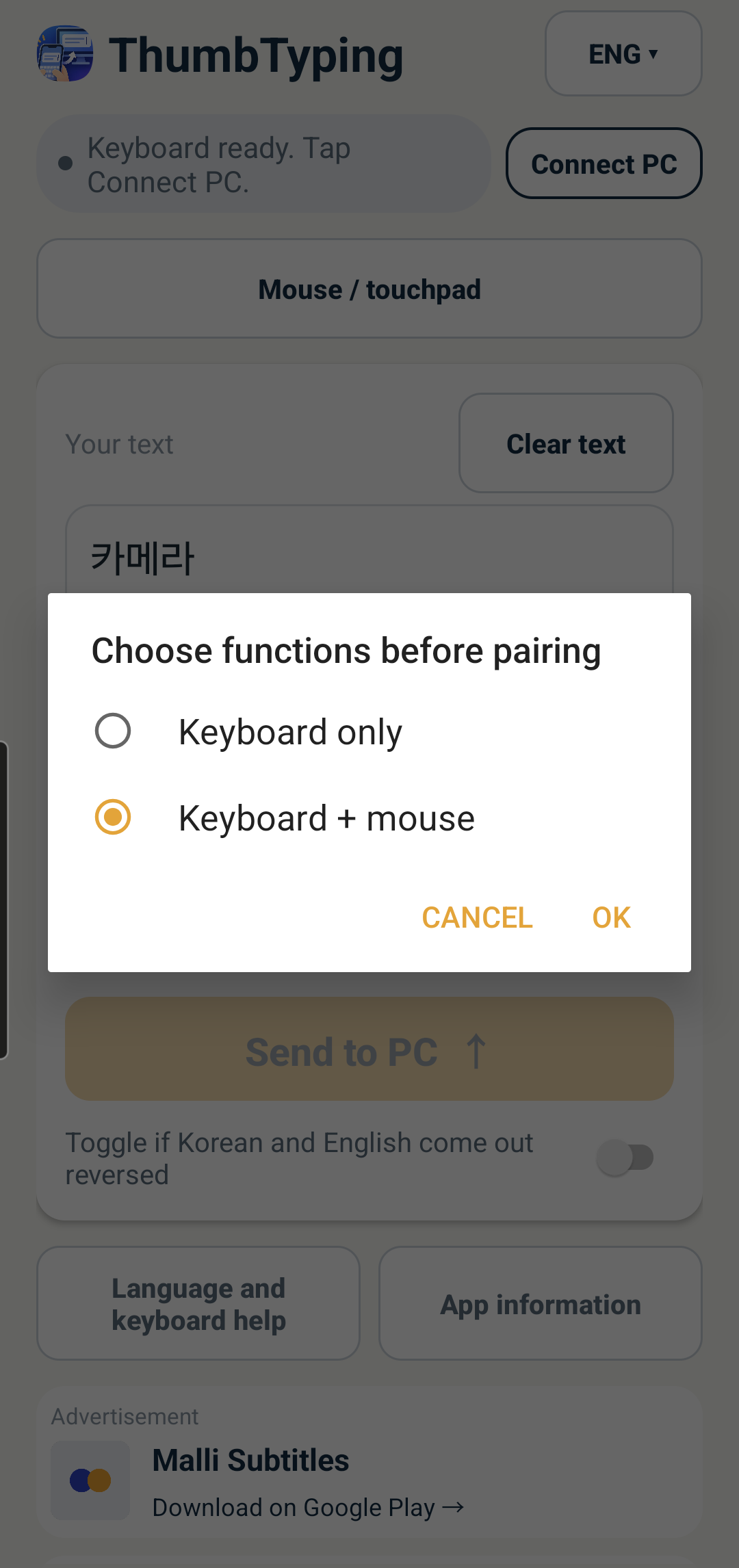
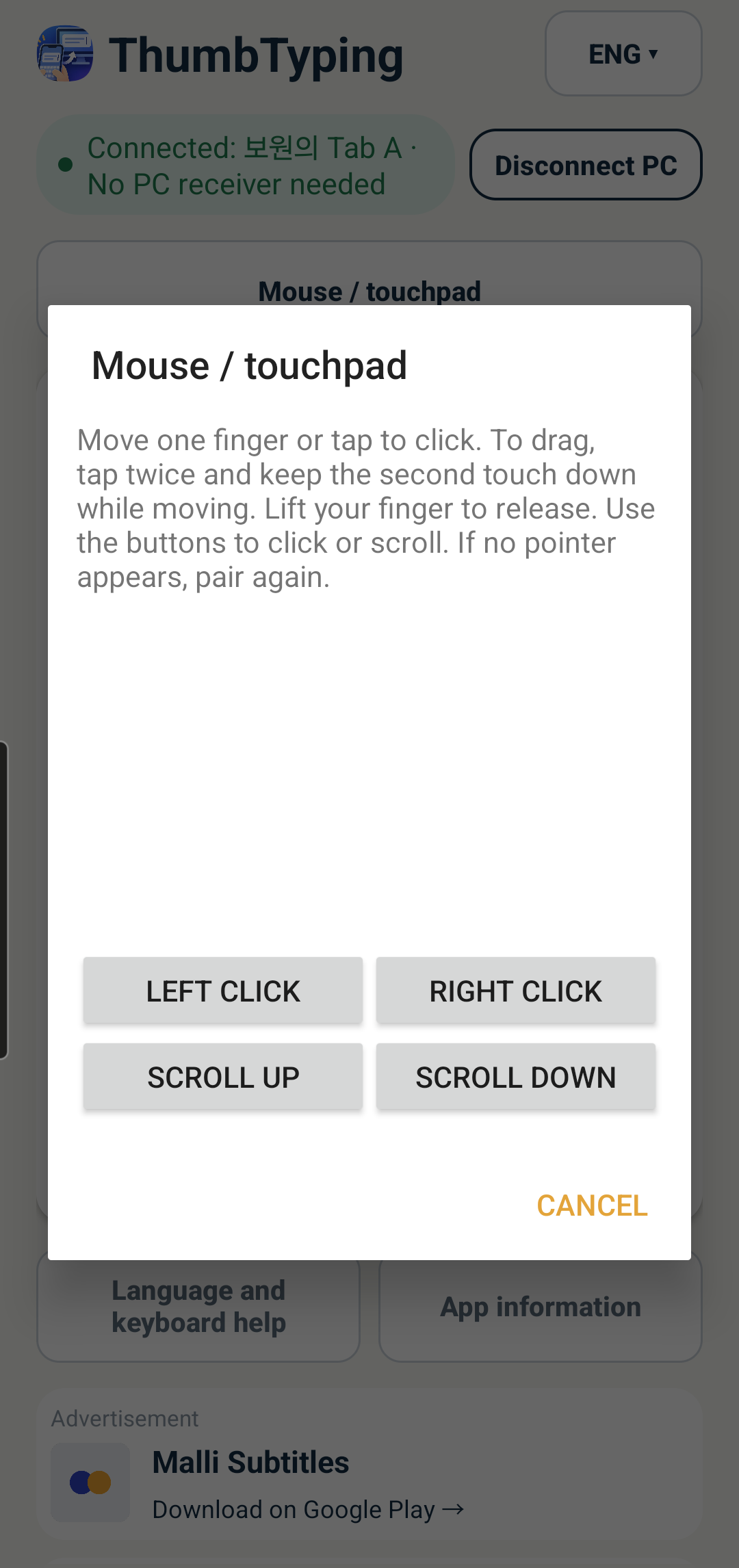
Actual 1.1.0 screens · Select an image to enlarge it.
No Bluetooth on your PC? Add a USB Bluetooth adapter
ThumbTyping connects your phone and PC via Bluetooth. If your PC or laptop has built-in Bluetooth, you do not need to buy a separate adapter. For a PC without Bluetooth, you can add a compatible USB Bluetooth adapter. Before buying, check your PC operating system, USB port and manufacturer driver support. Install any required driver, then pair your phone with the PC.
This link opens search results. Select your shipping country and check the listing for your PC operating system and keyboard/mouse support.
We may earn a commission from eligible purchases made through this AliExpress affiliate link.
The interface supports Korean, English, Indonesian, Malay, Spanish, Portuguese, Italian, French and German. Korean and English input use the Windows Korean two-set layout. The other seven languages require the United States-International layout on the PC. The app does not change the PC layout or translate your text.
Requires Android Bluetooth HID support and a compatible receiving device. Single-line text only, up to 1,000 characters per transmission. Unsupported characters are rejected before sending. Check the received text. Compatibility with every device or application is not guaranteed. Input through a remote PC client is outside the supported scope. The app displays promotions for other apps.
If the phone is connected to the PC via Bluetooth but keyboard registration does not respond, turn airplane mode on and then off on your phone, then reconnect to the PC. If it still does not connect, restart your phone.